


Finance
Part 4 — The payment flow as the customer sees it
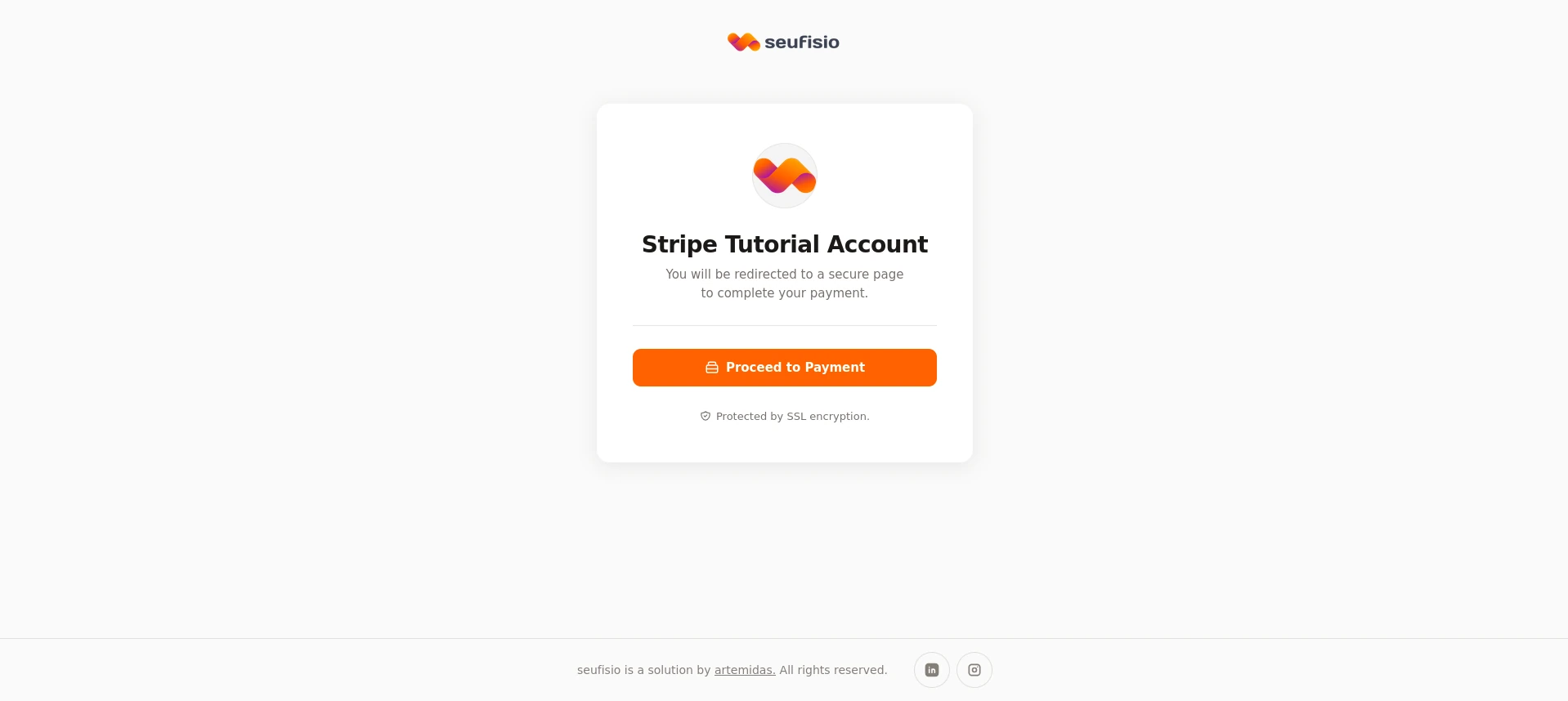
The customer opens the link they received and lands on a seufisio page with the clinic name and logo and the Make Payment button
- Updated: 29/07/2026
- 2 min read
- The customer opens the link they received and lands on a seufisio page with the clinic name and logo and the Make Payment button.
- On clicking, they are taken to the secure Stripe page, where they choose among the methods enabled by the clinic (card, Multibanco, MB WAY, Bizum, Klarna, SEPA Debit, digital wallets and so on).
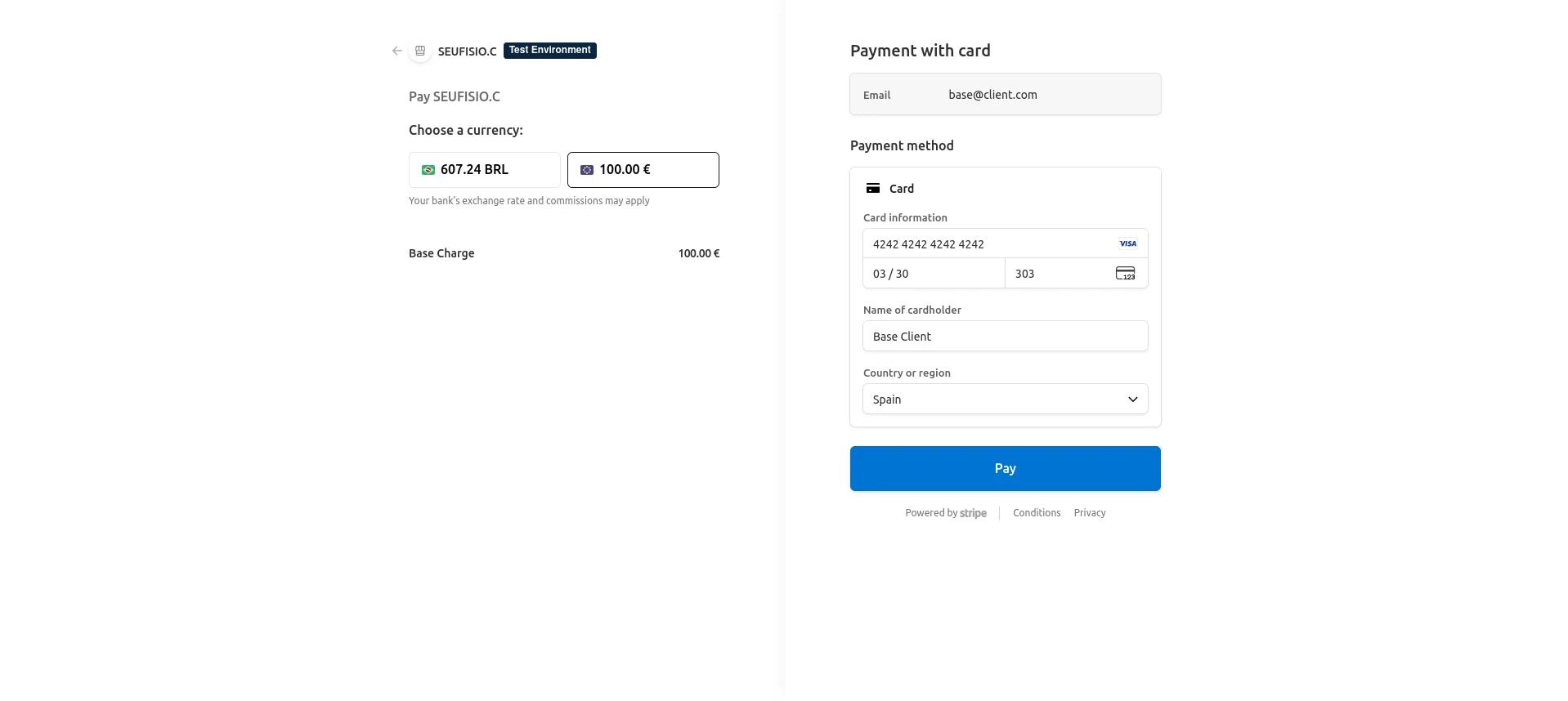
- Once the payment is complete, the customer returns to a result page and the system updates the charge within seconds (during instability it may take up to about 30 seconds).
Important deadlines
- Item — Deadline
- Stripe payment session — 23 hours — renewed automatically when the customer reopens the link
- Useful life of the link — until the charge due date
- Payment method registration link — 24 hours
- Payment created by Online Scheduling — 45 minutes
Was this article helpful?