


Finance
Part 7 — Wallet, balances and withdrawals
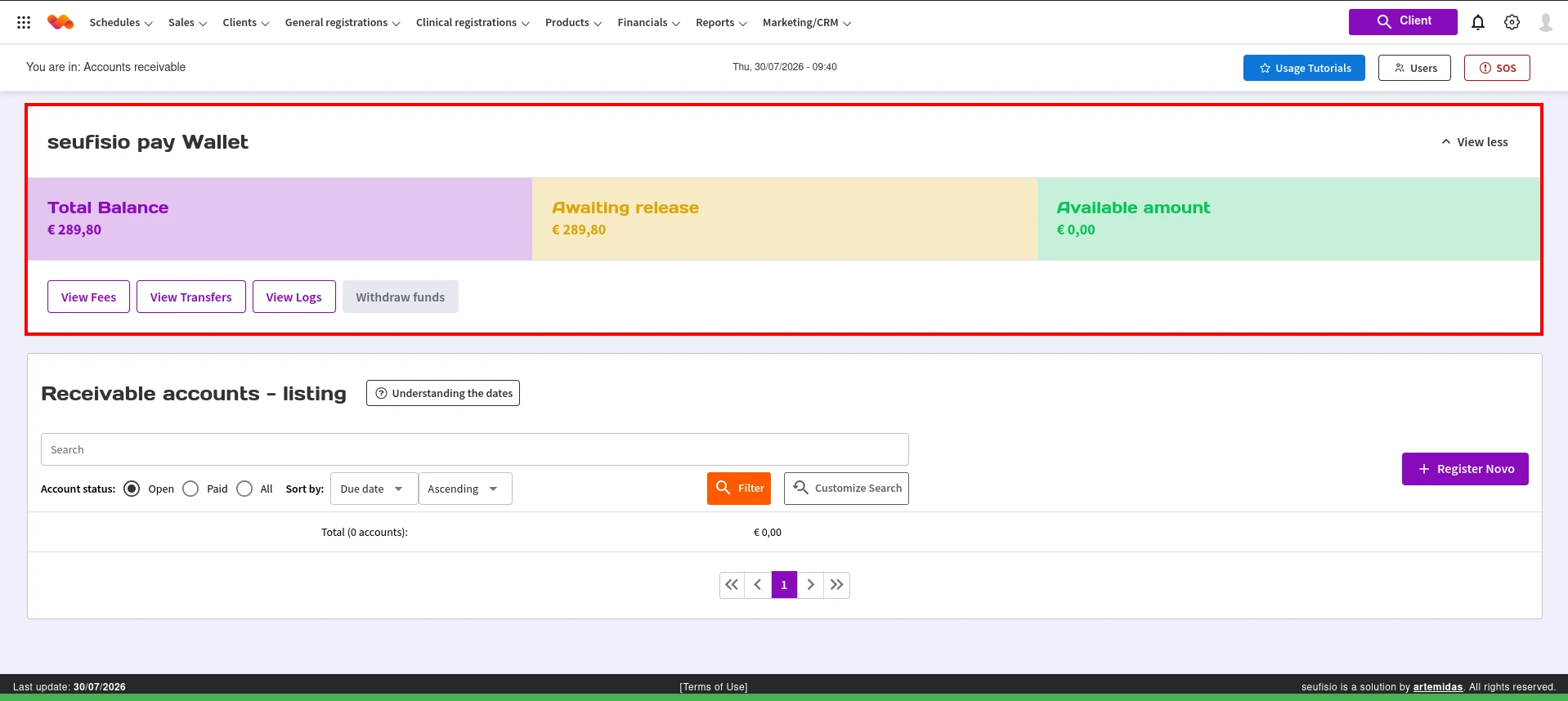
The seufisio pay Wallet sits at the top of Financials → Accounts receivable.
- Updated: 29/07/2026
- 2 min read
The seufisio pay Wallet sits at the top of Financials → Accounts receivable.
7.1 Understanding the balances
- Balance — Meaning
- Total Balance — Everything the clinic has received and not yet transferred
- Awaiting release — Payments received that are still within Stripe's release period
- Available amount — Amount free to transfer to the bank account
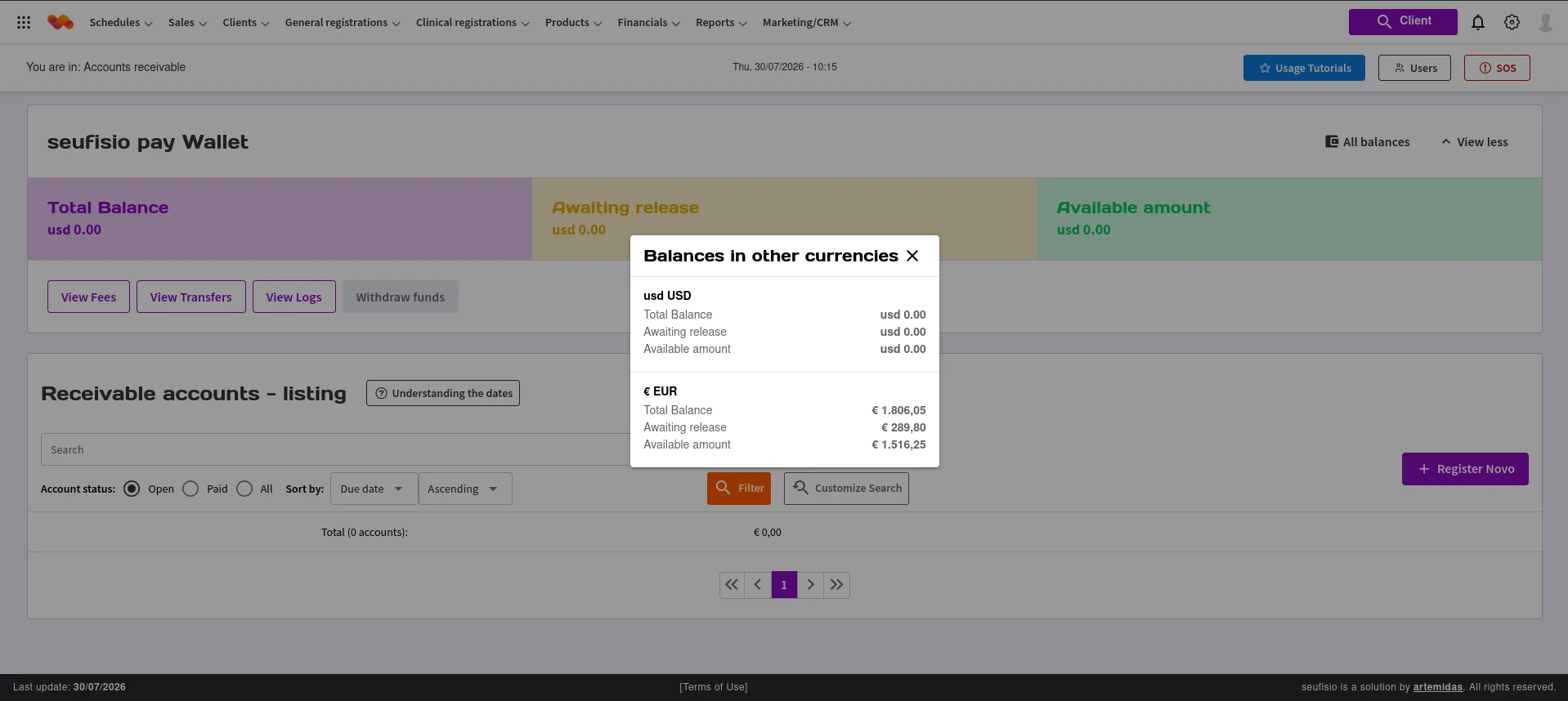
If the clinic has received money in other currencies, the All balances button appears.
7.2 Reviewing transfers and failures
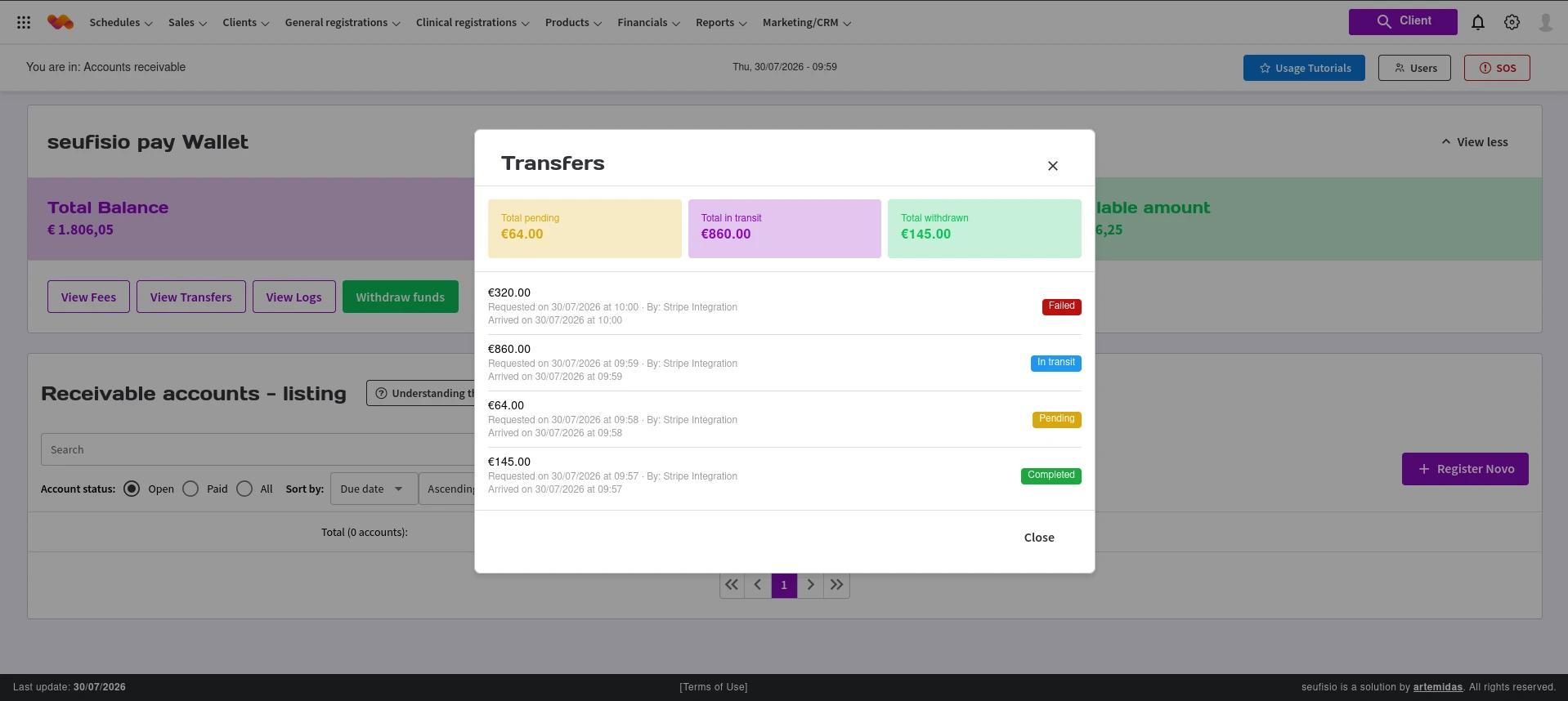
- View Transfers — shows the totals by status (pending, in transit, paid out) and the history with the request date, who requested it and the arrival date.
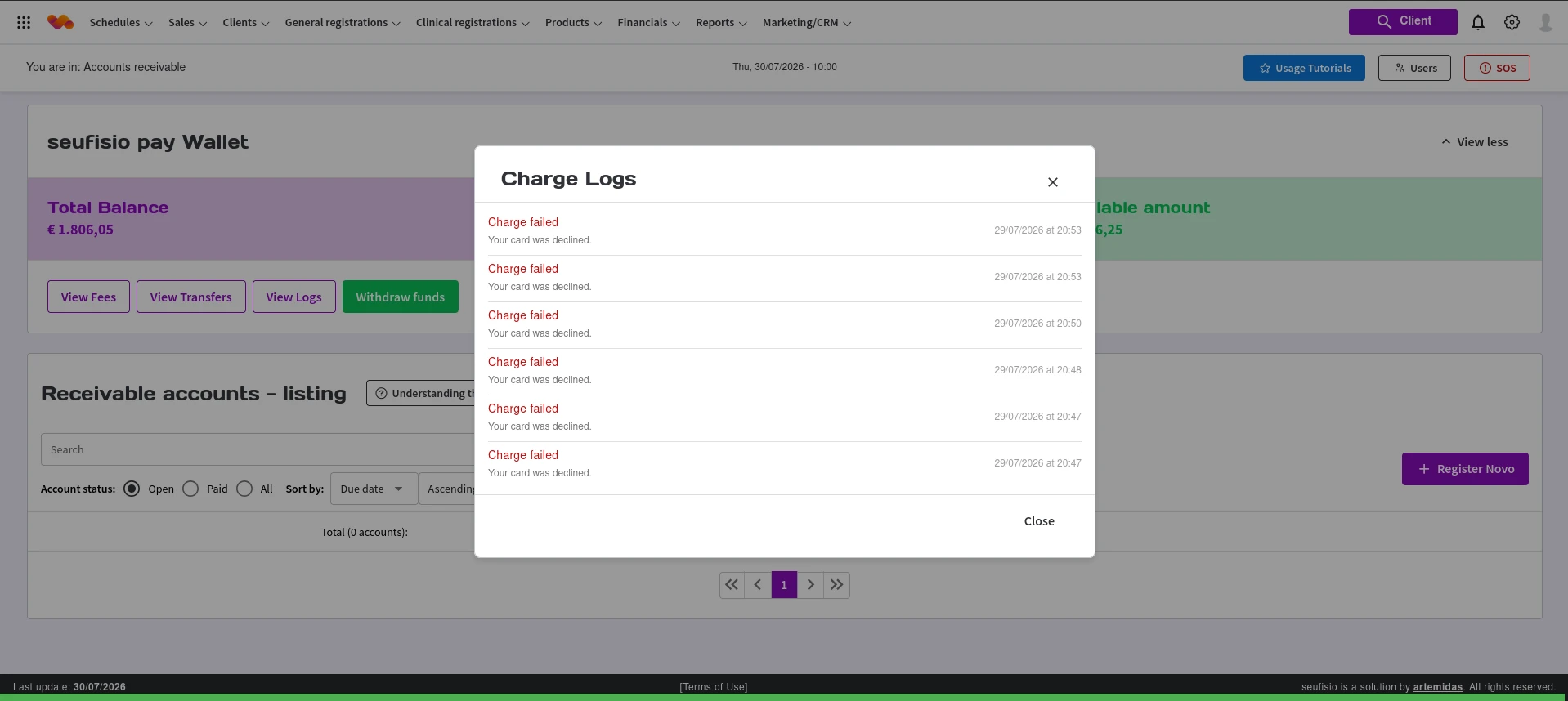
- View Logs — lists the recorded charge failures, with date and reason.
7.3 Withdrawing (transferring) funds to the bank
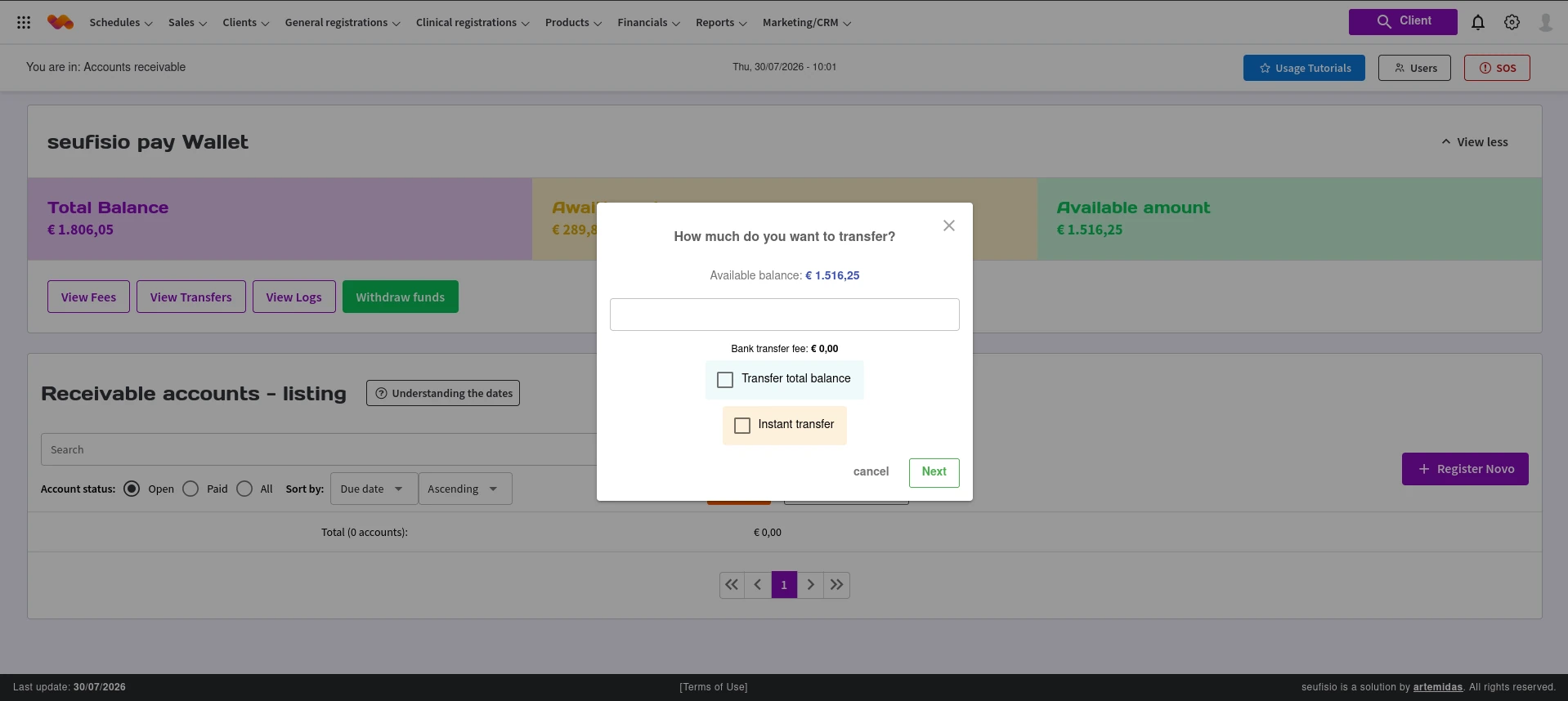
- In the wallet, click Withdraw funds.
- Step 1 — Amount: enter how much to transfer (or tick Transfer full balance ). Optionally tick Instant transfer. Click Next.
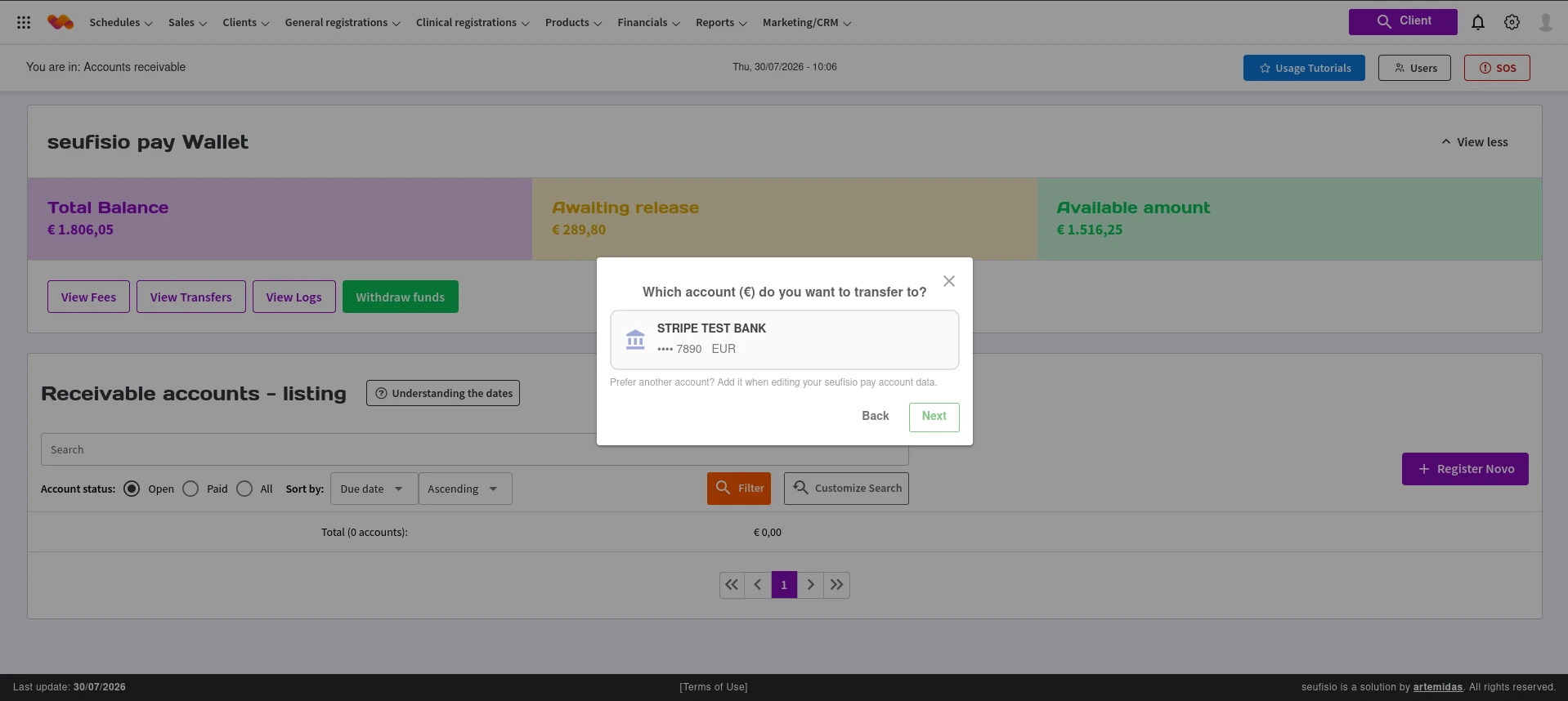
- Step 2 — Bank account: choose the account that will receive the money. Click Next.
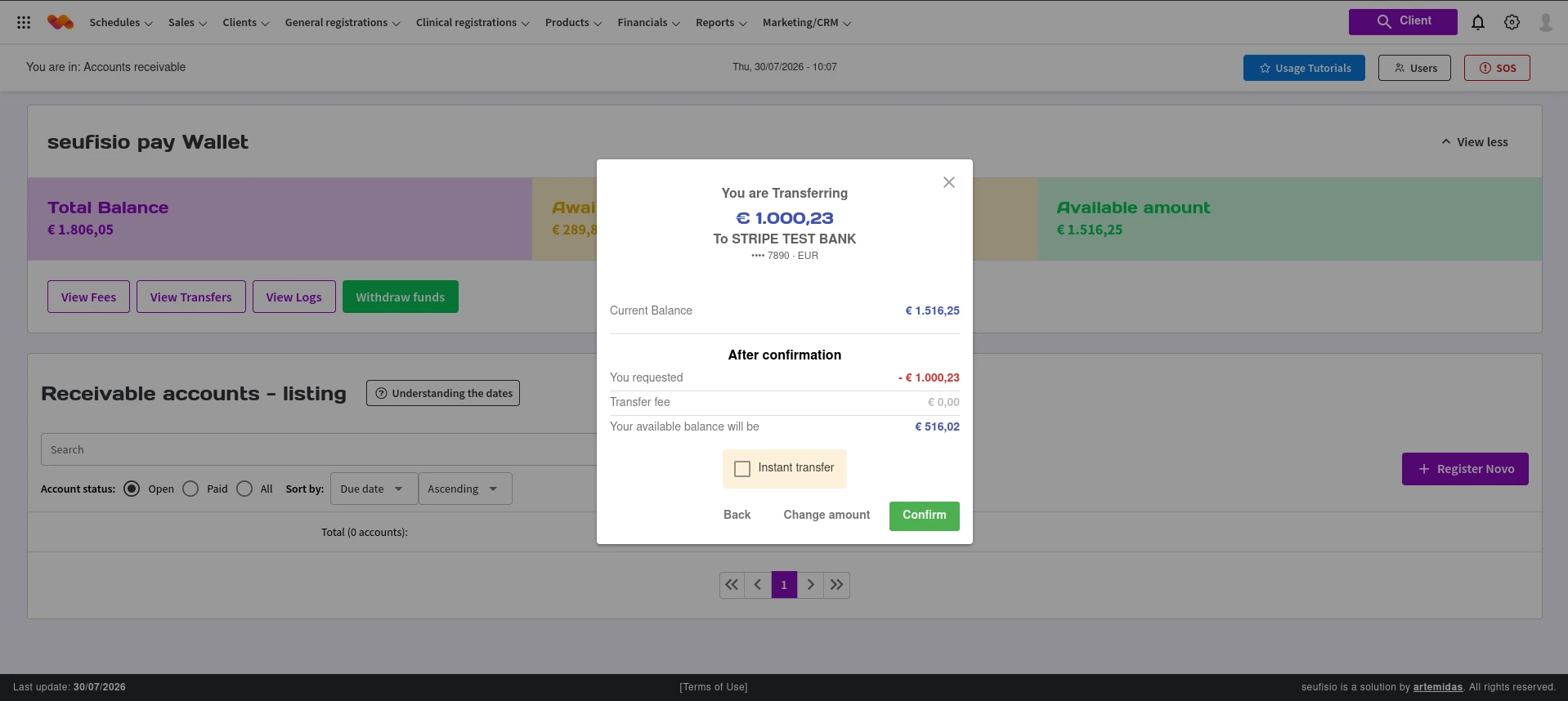
- Step 3 — Confirmation: review the requested amount, fee, amount to receive and remaining balance. Confirm.
Withdrawal rules
- Minimum amount above 0.99;
- Maximum amount: the available balance;
- Only bank accounts in the clinic's account currency are listed;
- Instant transfer requires an eligible account and is limited to 9,999 per transfer; when unavailable, the option appears disabled with an explanation;
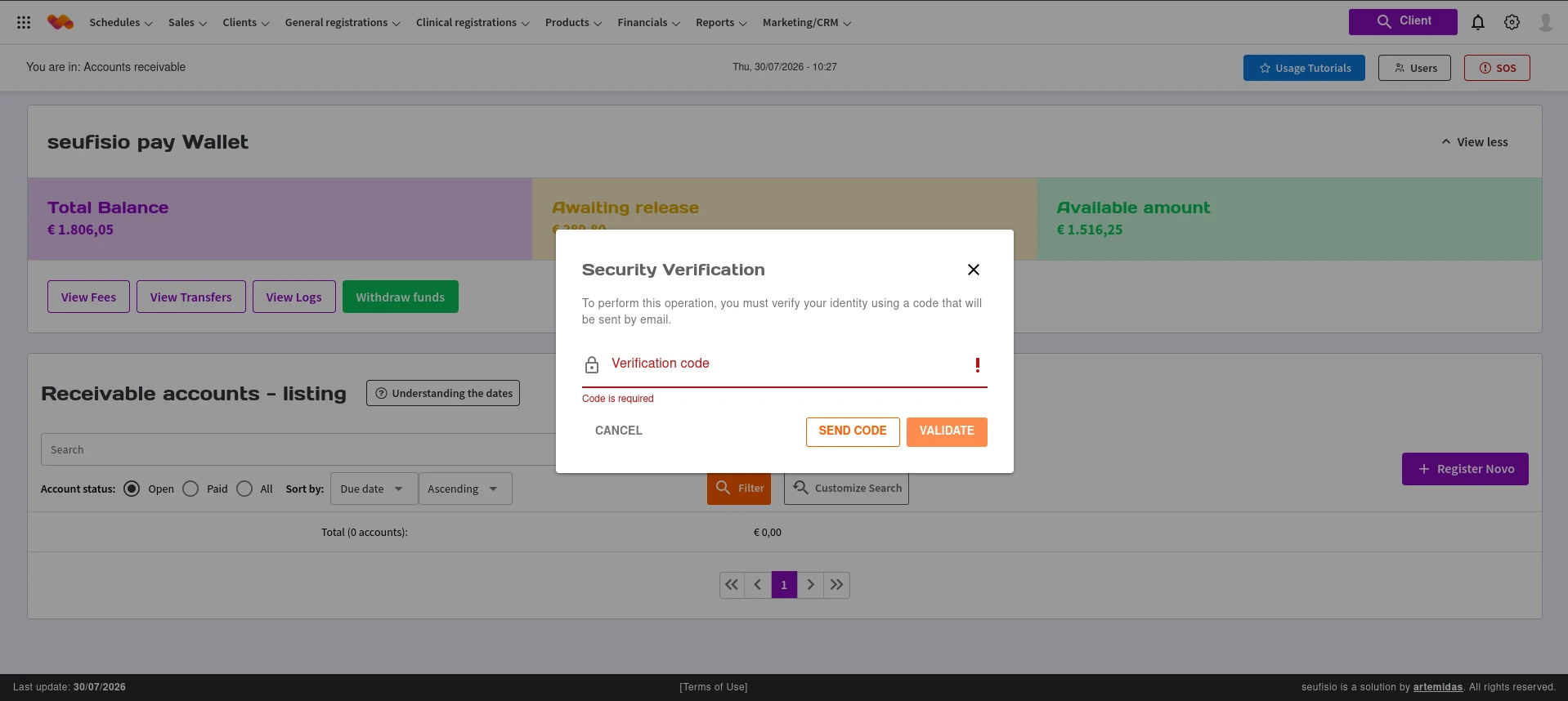
- After you confirm, the transfer starts as Pending and moves on its own to In transit and Completed.
Was this article helpful?