


Finance
Part 8 — Automatic charges for services and packages
When creating or editing a customer service, on the Automatic charging tab:
- Updated: 29/07/2026
- 2 min read
8.1 Services (cycles)
When creating or editing a customer service, on the Automatic charging tab:
- Enable automatic charging.
- Choose the type:
- Scheduled — charges the customer's card automatically on every generated cycle (requires a selected payment method); - Payment checkout — creates a link on every cycle and sends it to the customer.
- If you choose Scheduled, select the customer's payment method (or create the registration link through the methods button).
- Save.
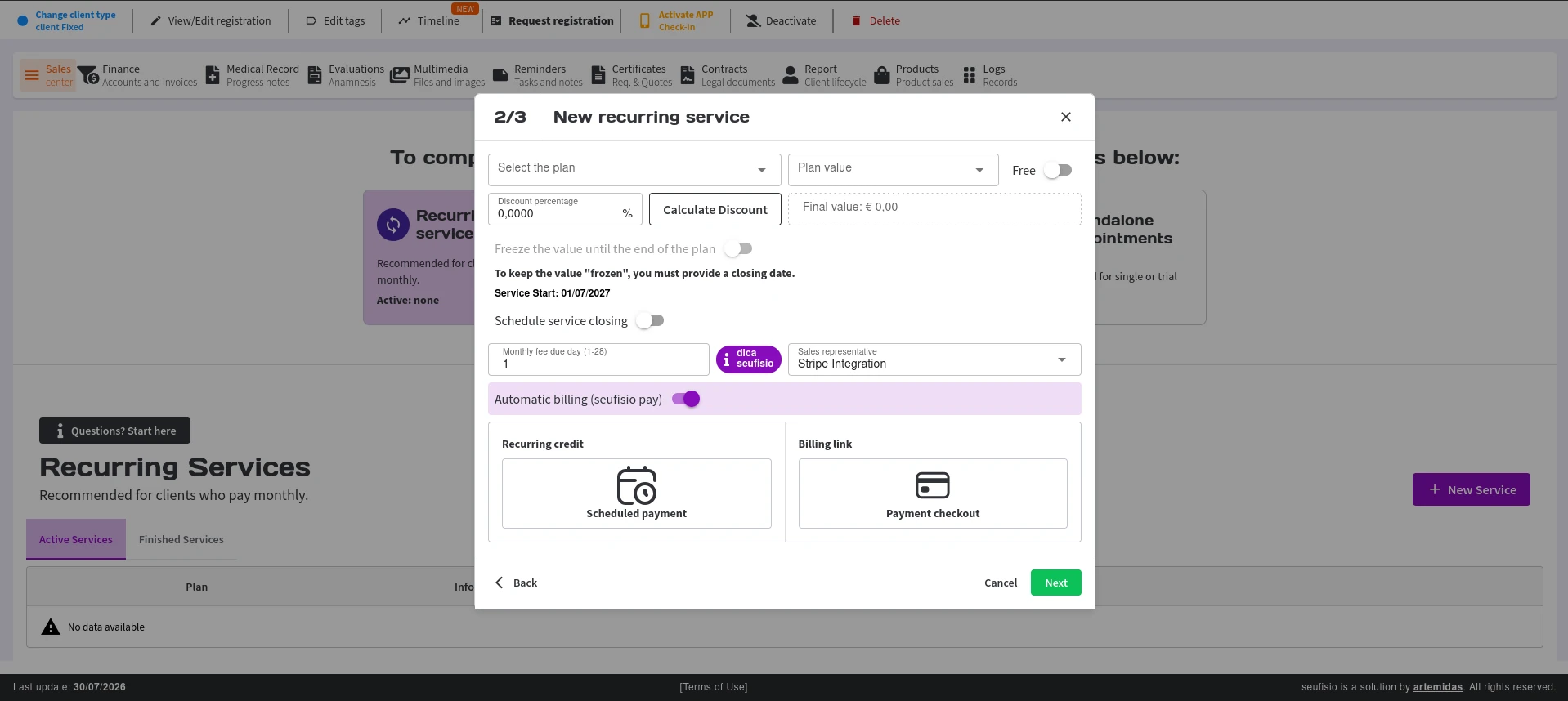
On every cycle generation the system creates the matching charge. The amount takes discounts into account and, for per-class services, the number of appointments in the period.
8.2 Packages and regular customers
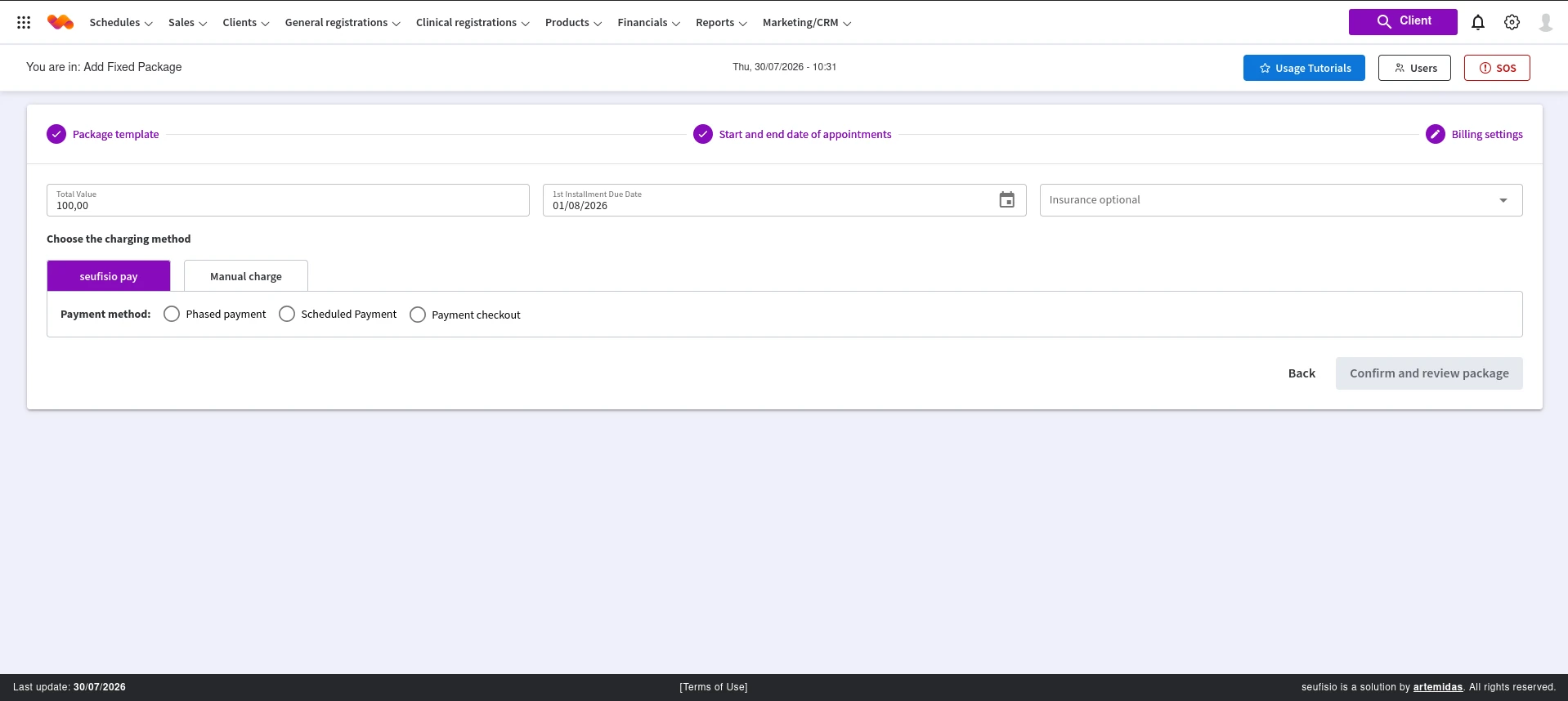
In the regular customer settings (or on a package renewal) you can mark that the renewal will be charged through a seufisio pay payment link. In that case, on every renewal the system creates the charge and sends the link to the customer.
Was this article helpful?