


Finance
Part 2 — Customer payment methods
Phased and scheduled payments are charged automatically, so they need a card (or SEPA debit) already stored securely for that customer. The customer registers…
- Updated: 29/07/2026
- 2 min read
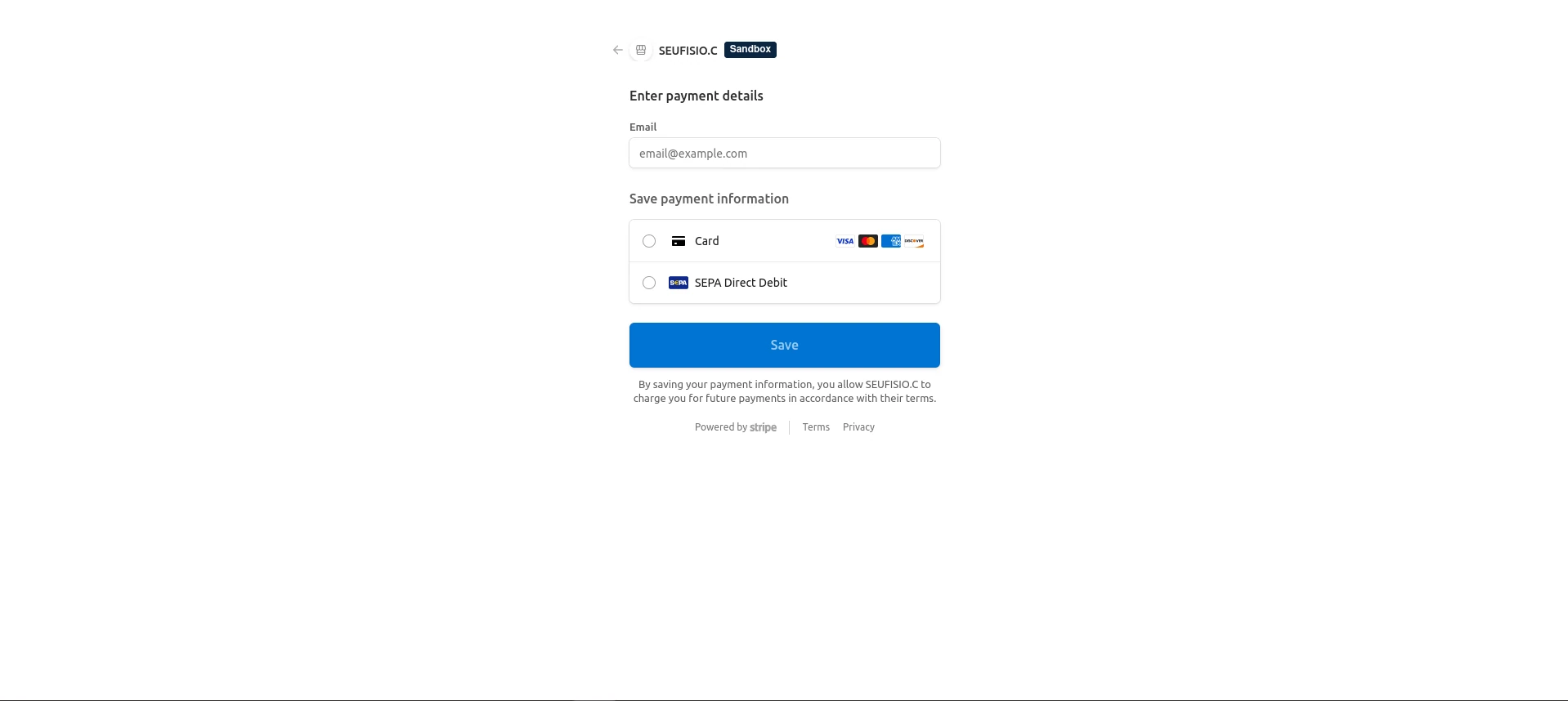
Phased and scheduled payments are charged automatically, so they need a card (or SEPA debit) already stored securely for that customer. The customer registers the method through a link — the data always stays with Stripe, never in the system.
2.1 Request the payment method registration
- Open the customer record (Clients → customer → edit).
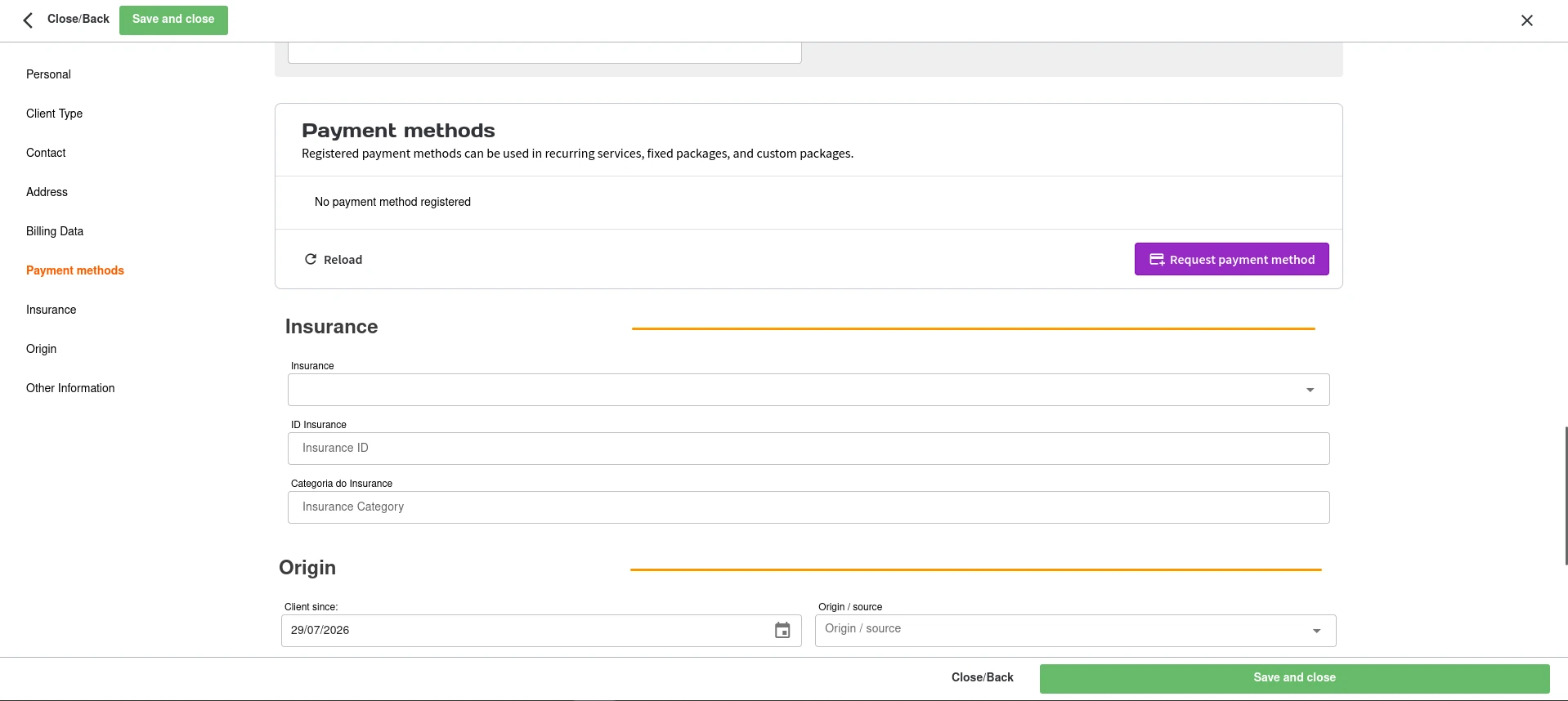
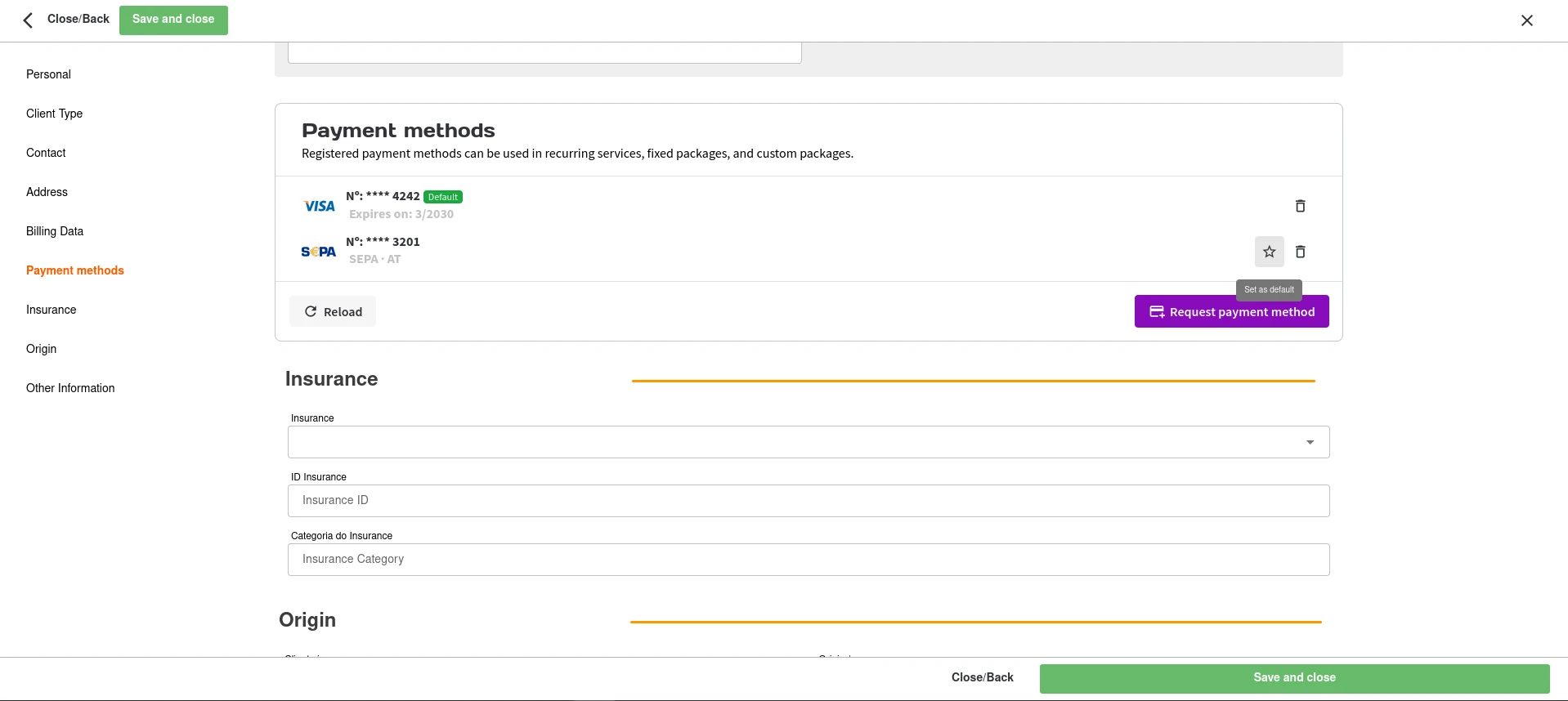
- In the side menu of the record, click Payment methods.
- Click Request payment method.
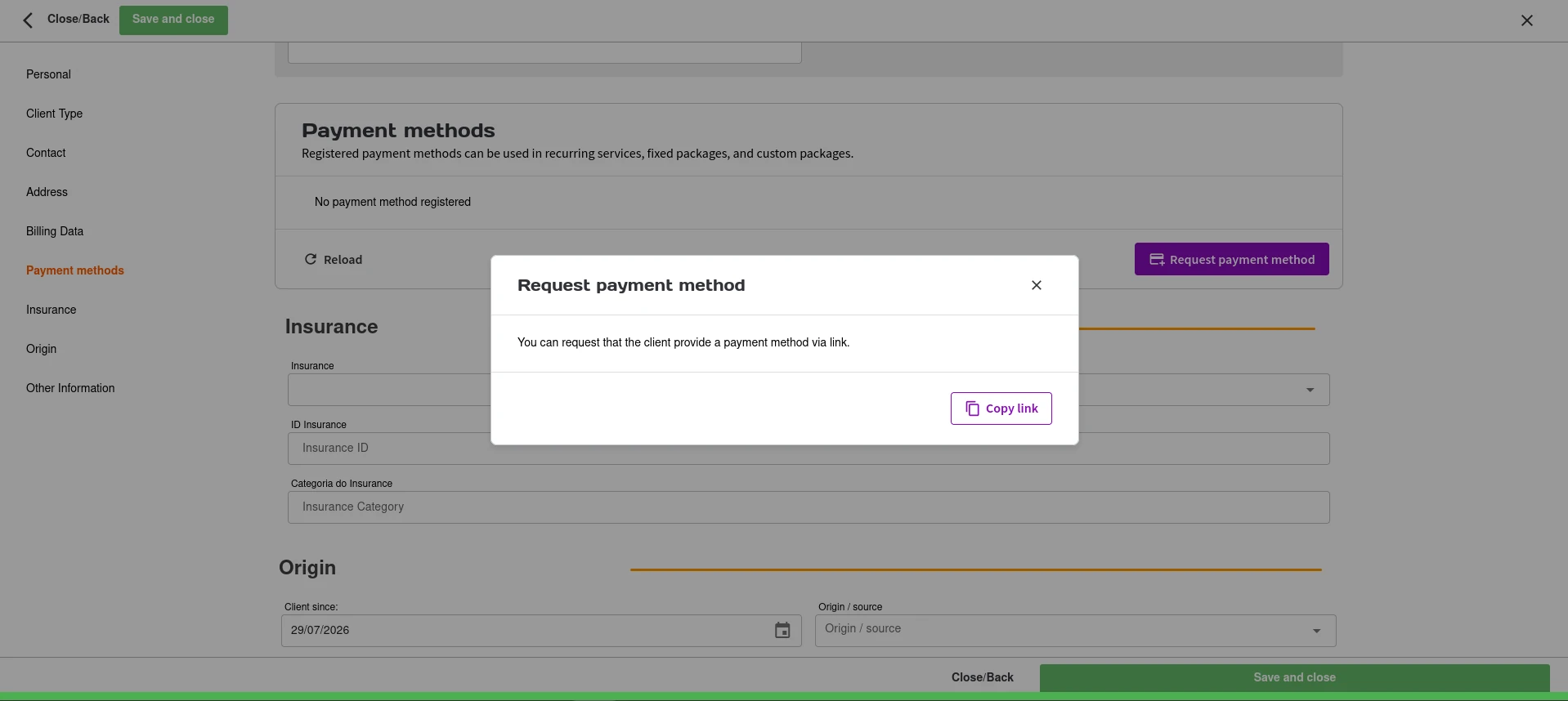
- Click Copy link and send the link to the customer (WhatsApp, e-mail, etc.).
- The customer opens the link and enters the details in the Stripe environment.
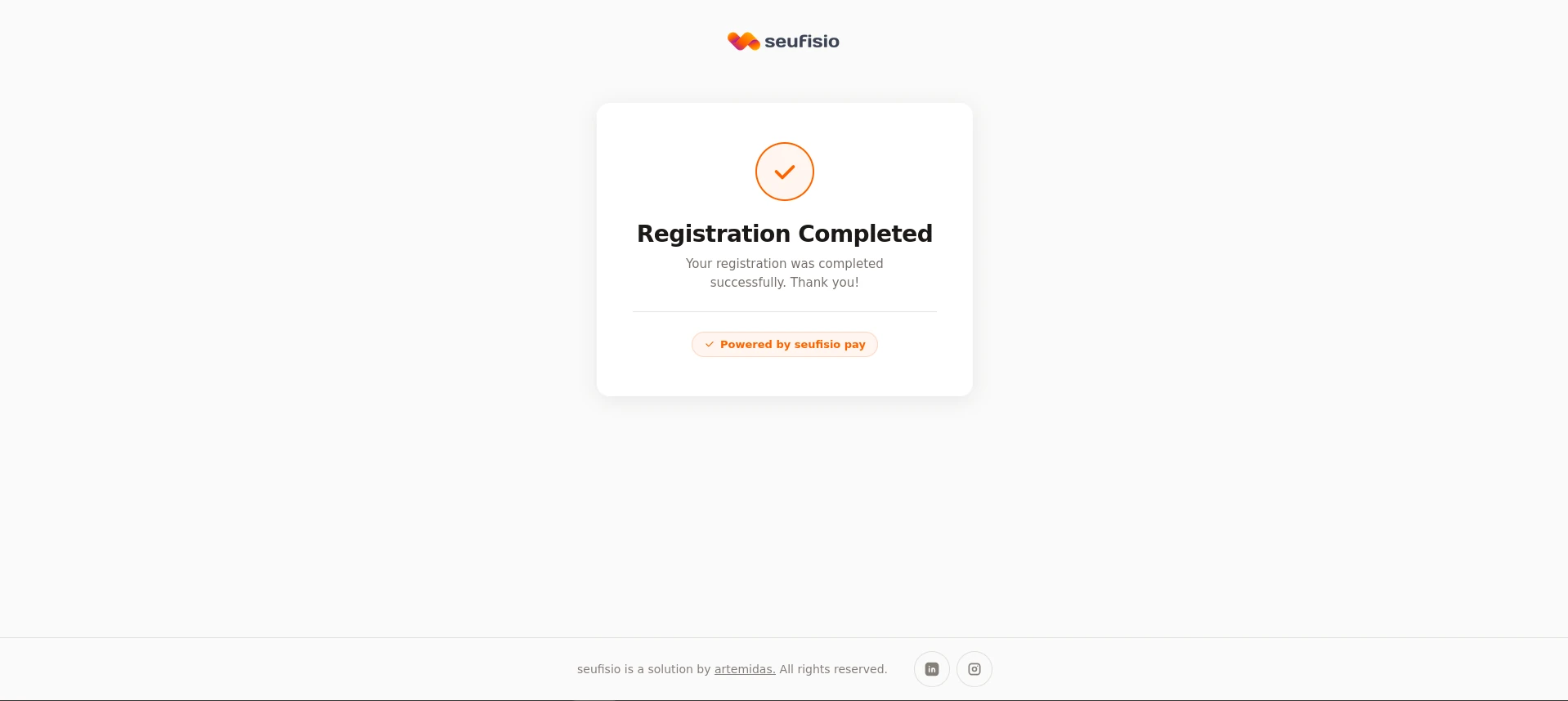
- When finished, the customer sees the Registration Completed message.
- Back in the record, click Reload so the new method appears.
2.2 Set the default method and remove methods
In the customer's method list:
- The method marked as Default is the one suggested automatically in new charges.
- To change it, click the star on the method you want.
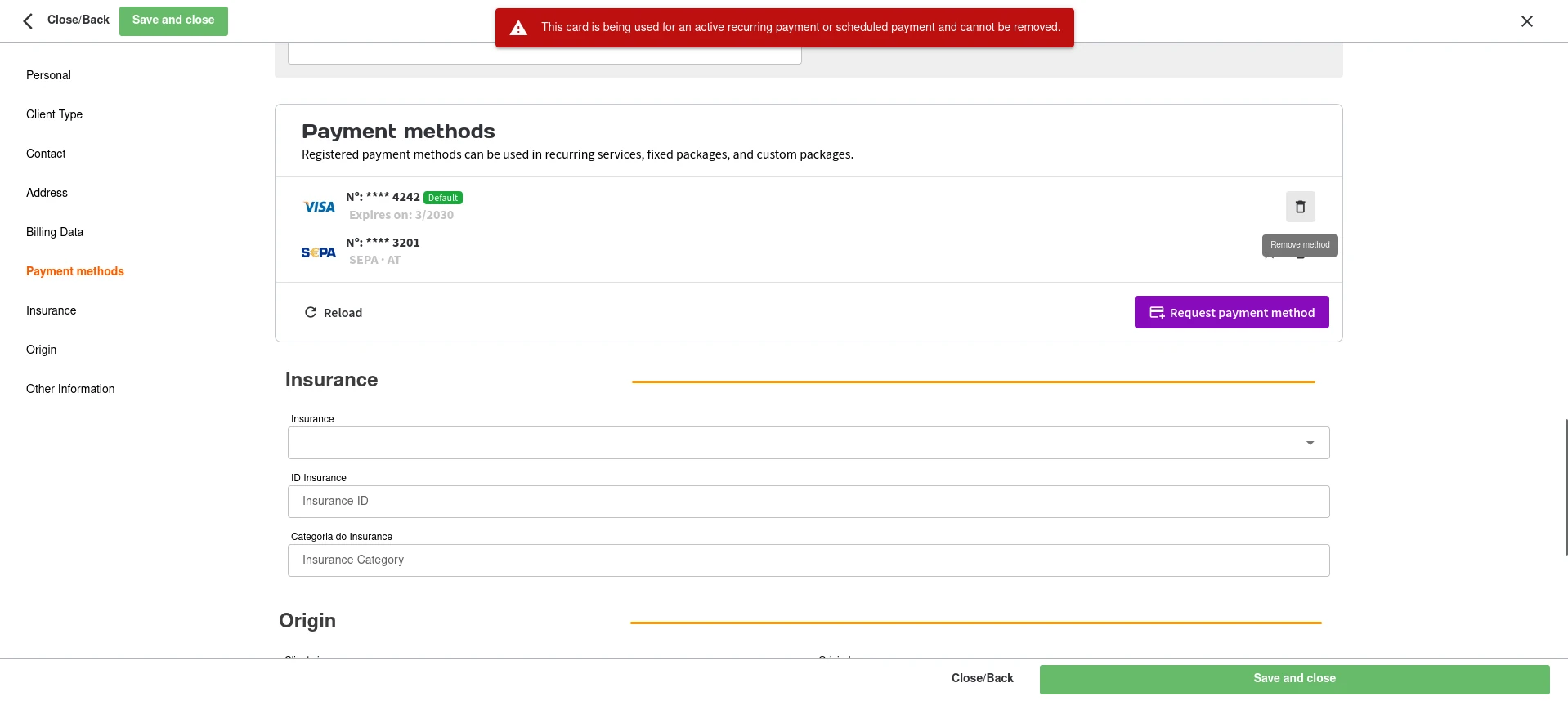
- To remove one, click the bin and confirm.
- linked to an active phased or scheduled payment; or
- linked to a service with automatic charging active.
In that case a notice explains the link. Cancel or change the link before removing.
If the removed method was the Default, the system automatically promotes another of the customer's methods to default.
Was this article helpful?