


Your app, made simple.
What would you like to do?
Install the app and connect my centre
Start with the invitation received by email or WhatsApp.
See my classes and appointments
Check the date, time and location before you travel.
I cannot attend my class
Report your absence and check the result before expecting a make-up.
Book a make-up class
Use an available make-up and confirm the new date.
Book a class or appointment
Choose an available session and check confirmation.
I cannot find an available place
Check available dates and request an alert when offered.
View payments and invoices
View what your centre has shared and check differences with reception.
View and follow my training plan
View exercises provided by your practitioner.
Respond to an event invitation
Read your centre's invitation and indicate whether you plan to attend.
Contact my centre and send a suggestion
Find the right contact and use feedback for non-urgent matters.
seufisio Check-in
Learn to check your classes, report an absence and find another date, step by step.


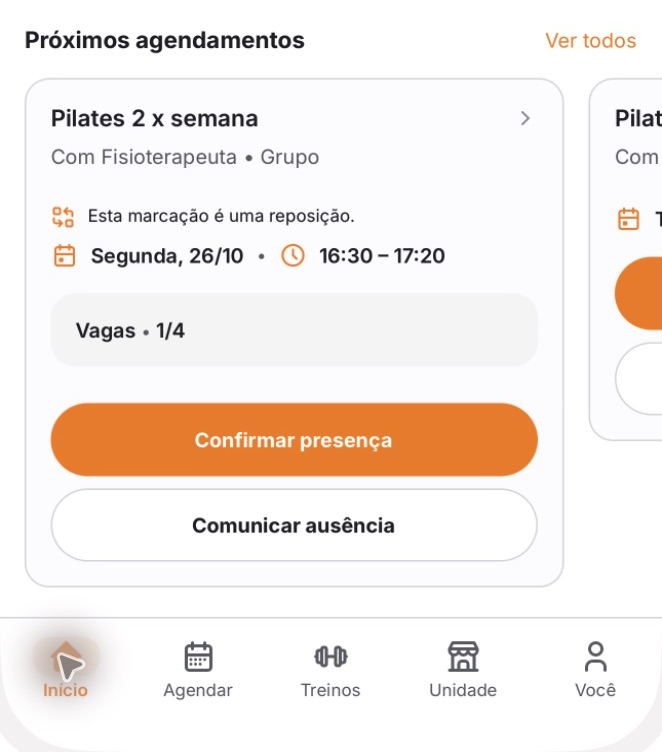
Options vary by centre. Button names in the examples match the real captured app screen.